Back to Portfolio
Notion, Dashboard March 26, 2026 6 Photos

Fitness Coach Dashboard

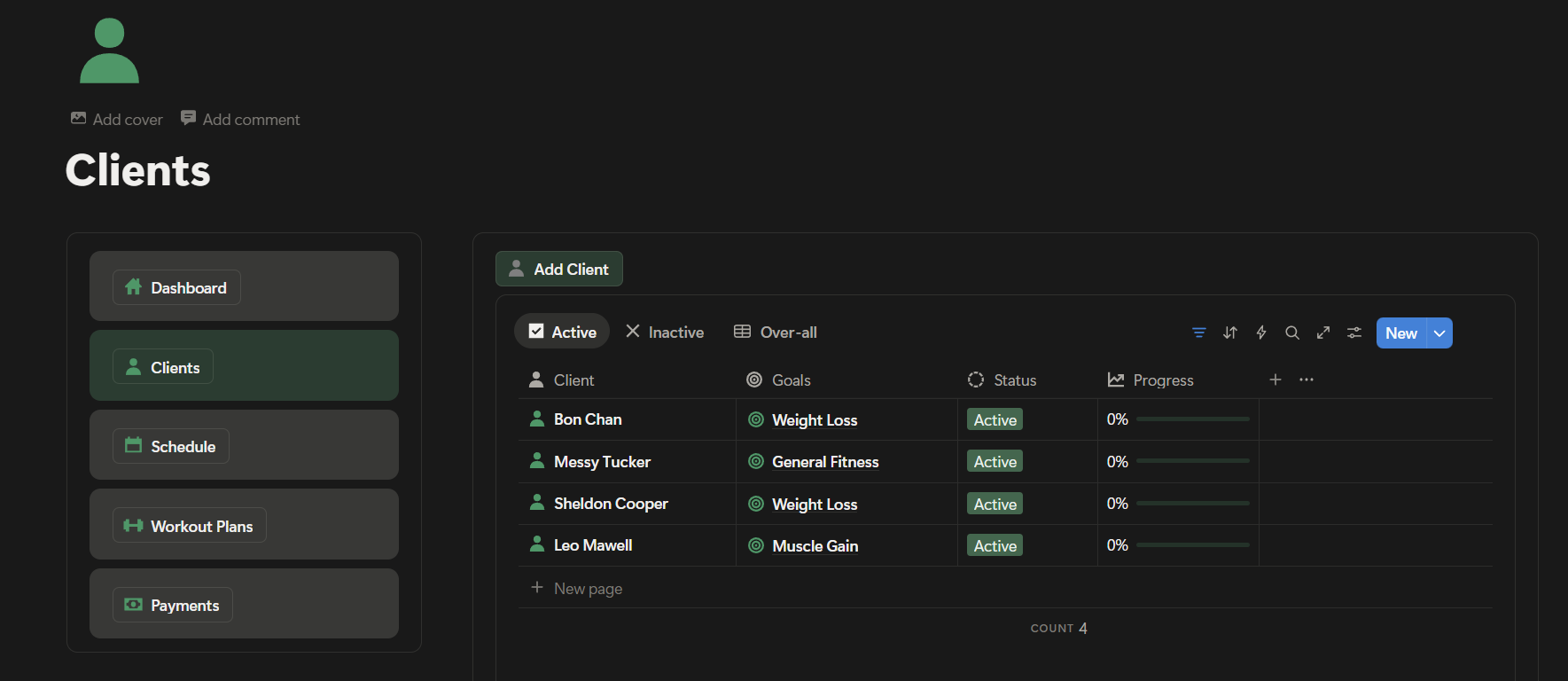
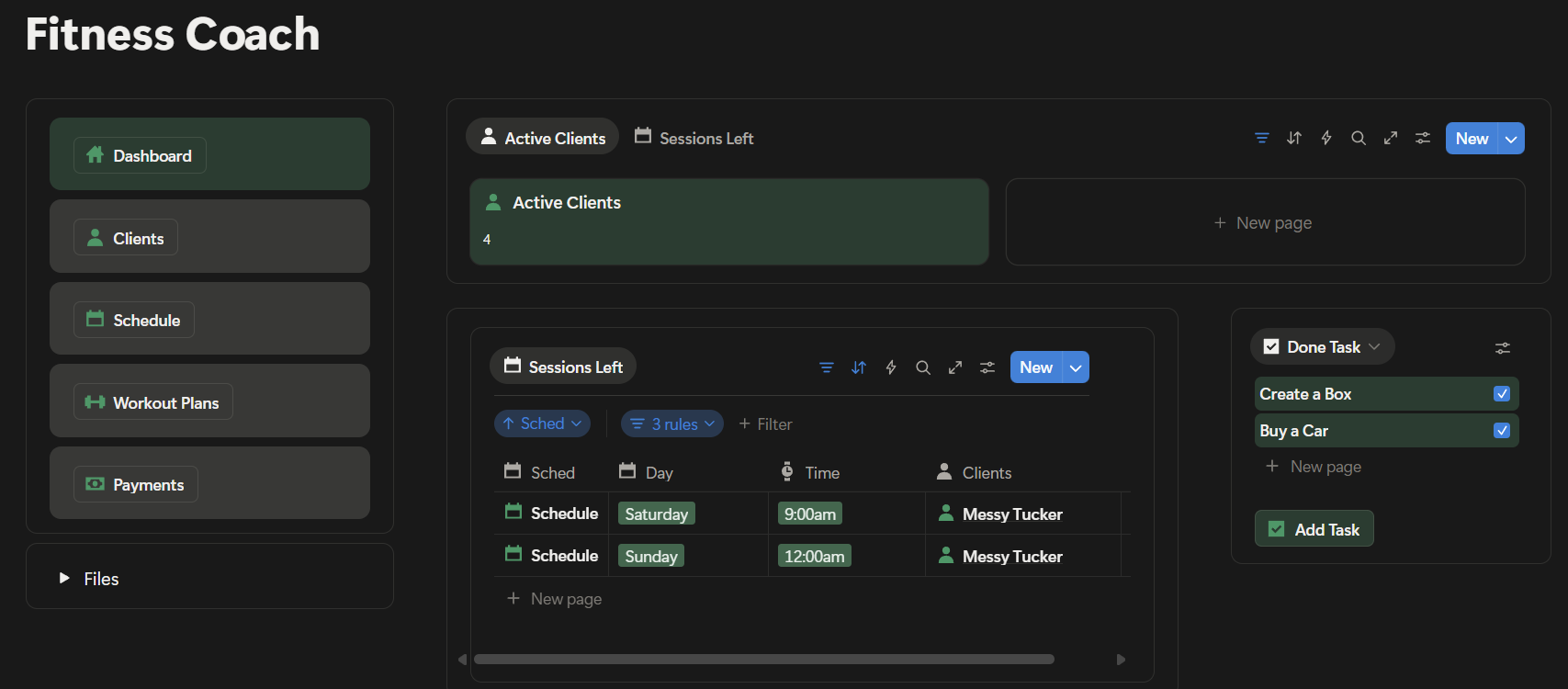
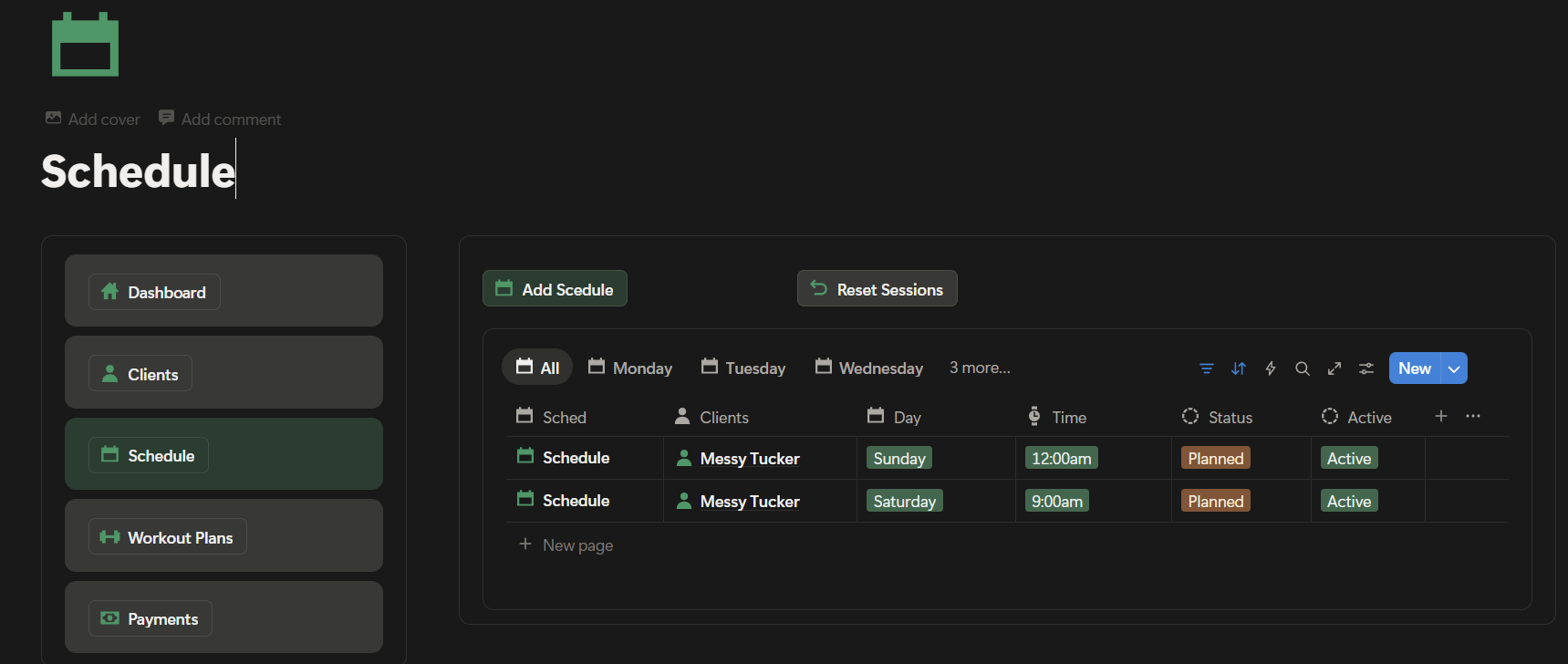
A streamlined Notion dashboard built for fitness coaches to manage clients, workouts, and progress in one place. From tracking client programs and scheduling sessions to monitoring results and communication, this system keeps everything organized and easy to access. It helps coaches stay focused on delivering results while reducing admin work. Simple. Structured. Built for performance.

Project Overview

💚 Product: Fitness Coach All-in-One Notion Dashboard

💚 Industry: Health, fitness, and coaching

💚 Objective:

Design a simple, structured Notion dashboard that helps fitness coaches manage clients, programs, workouts, progress tracking, and business operations in one centralized system.

💚 Target Users:

Online and in-person fitness coaches, personal trainers, and wellness coaches.


Client / User Brief

💚 Requirements:

  • Centralized client management (profiles, goals, progress).
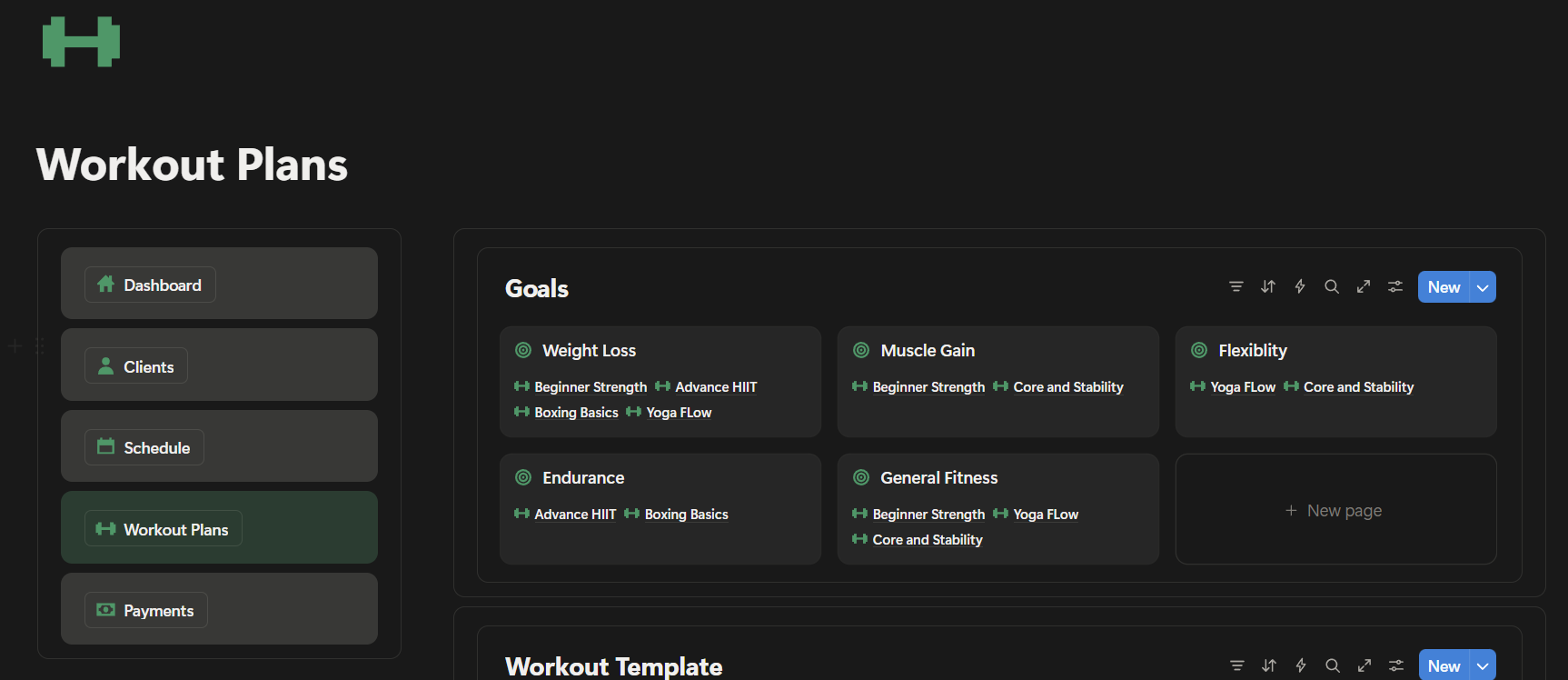
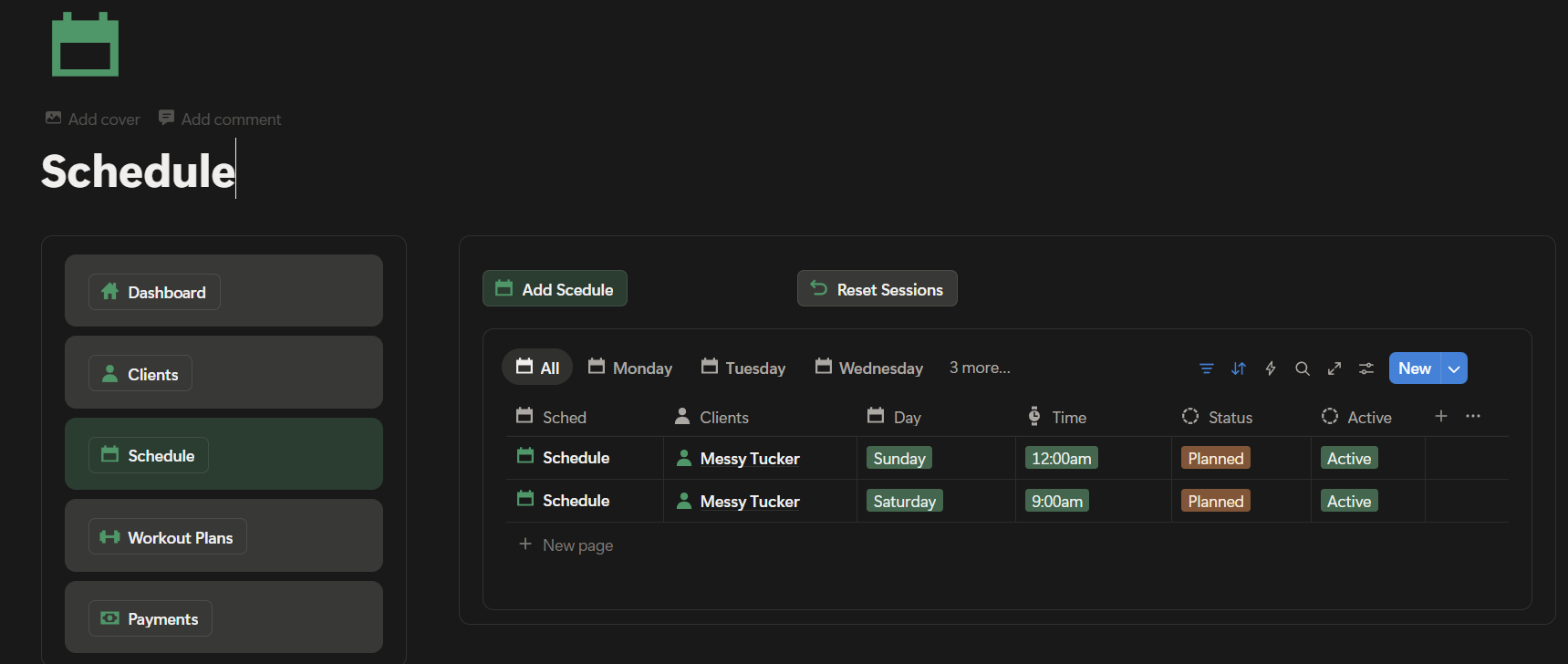
  • Workout & program tracking (training plans, schedules, exercise libraries).
  • Progress monitoring (measurements, check-ins, photos, notes).
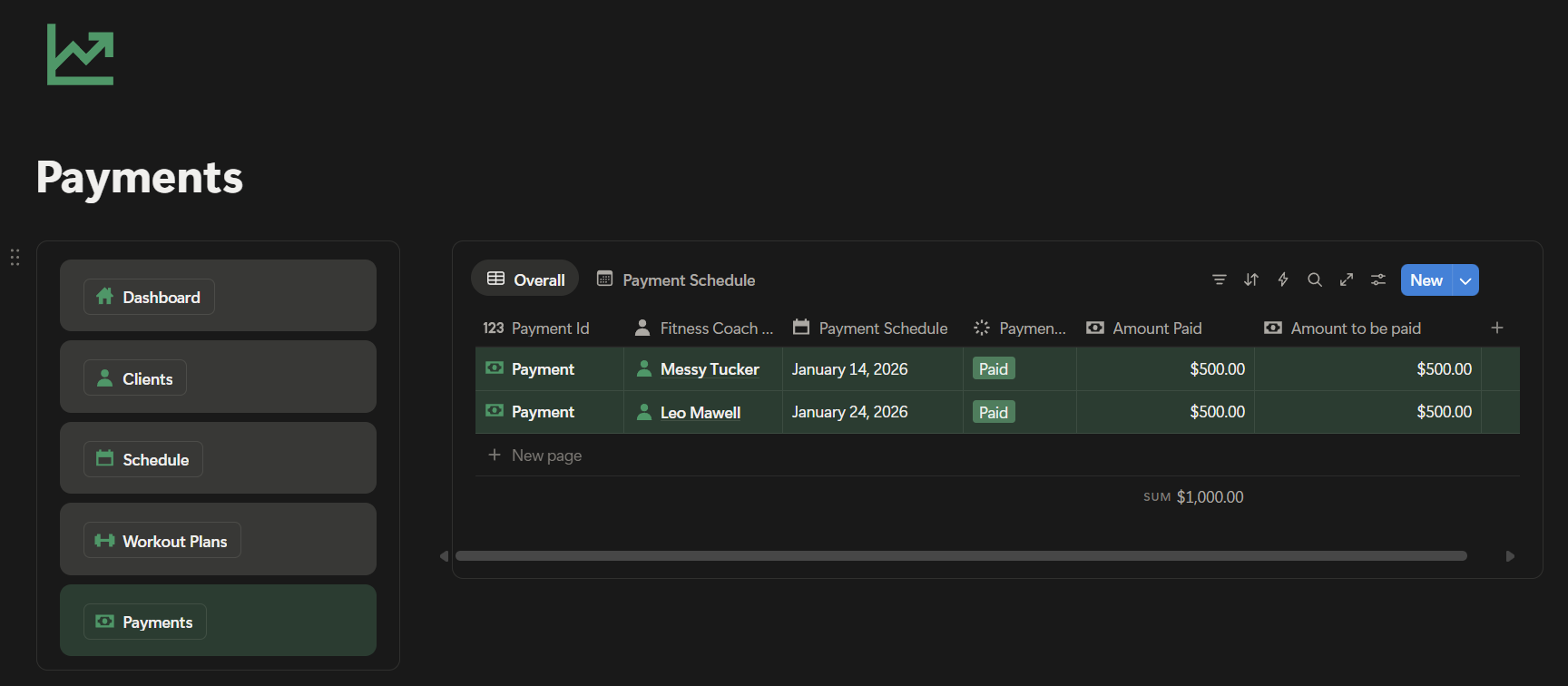
  • Business tools (sessions, payments, packages, follow-ups).
  • Clean, minimal layout that’s easy to use daily.
  • Fully customizable inside Notion (no external tools required).

💚 Constraints:

  • Must be beginner-friendly for_tabs coaches new to Notion.
  • Needs to scale from solo coaches to multiple-client systems.
  • Optimized for both desktop and mobile use.

Research & Discovery

💚 Market Analysis:

  • Reviewed existing fitness dashboards and templates on Notion Marketplace and Gumroad.
  • Identified common pain points:
  • Too many disconnected pages
  • Overly complex formulas
  • Poor daily usability

💚 User Insights:

  • Coaches want clarity over complexity.
  • Daily use matters more than advanced features.
  • Progress visibility improves client accountability and retention.

💚 Core Values:

  • Simplicity
  • Consistency
  • Scalability
  • Coach-first workflow

System & Concept Development

💚 Dashboard Structure:

  • Home Dashboard – Daily overview (clients, sessions, tasks).
  • Clients Database – Goals, progress, check-ins, notes.
  • Programs & Workouts – Reusable training plans and exercise libraries.
  • Progress Tracking – Measurements, weekly check-ins, before/after logs.
  • Business Management – Packages, payments, session tracking.

💚 Design Approach:

  • Minimal, distraction-free layout.
  • Clear icons and sectioning for fast navigation.
  • Formula-powered status tracking (without overengineering).

Challenges & Solutions

💚 Challenge 1:

Balancing powerful features with ease of use.

💚Solution:

Used simple relational databases and clear naming conventions instead of complex automations.


💚 Challenge 2:

Making the dashboard flexible for different coaching styles.

💚 Solution:

Built modular sections that can be added, hidden, or duplicated depending on the coach’s workflow.


💚 Challenge 3:

Ensuring long-term usability, not just initial setup.

💚 Solution:

Designed the dashboard around daily actions (check-ins, sessions, progress reviews), not just planning.
Want a system like this?

I build custom Notion workspaces tailored to your business — organized, efficient, and built to scale.

Work With Me